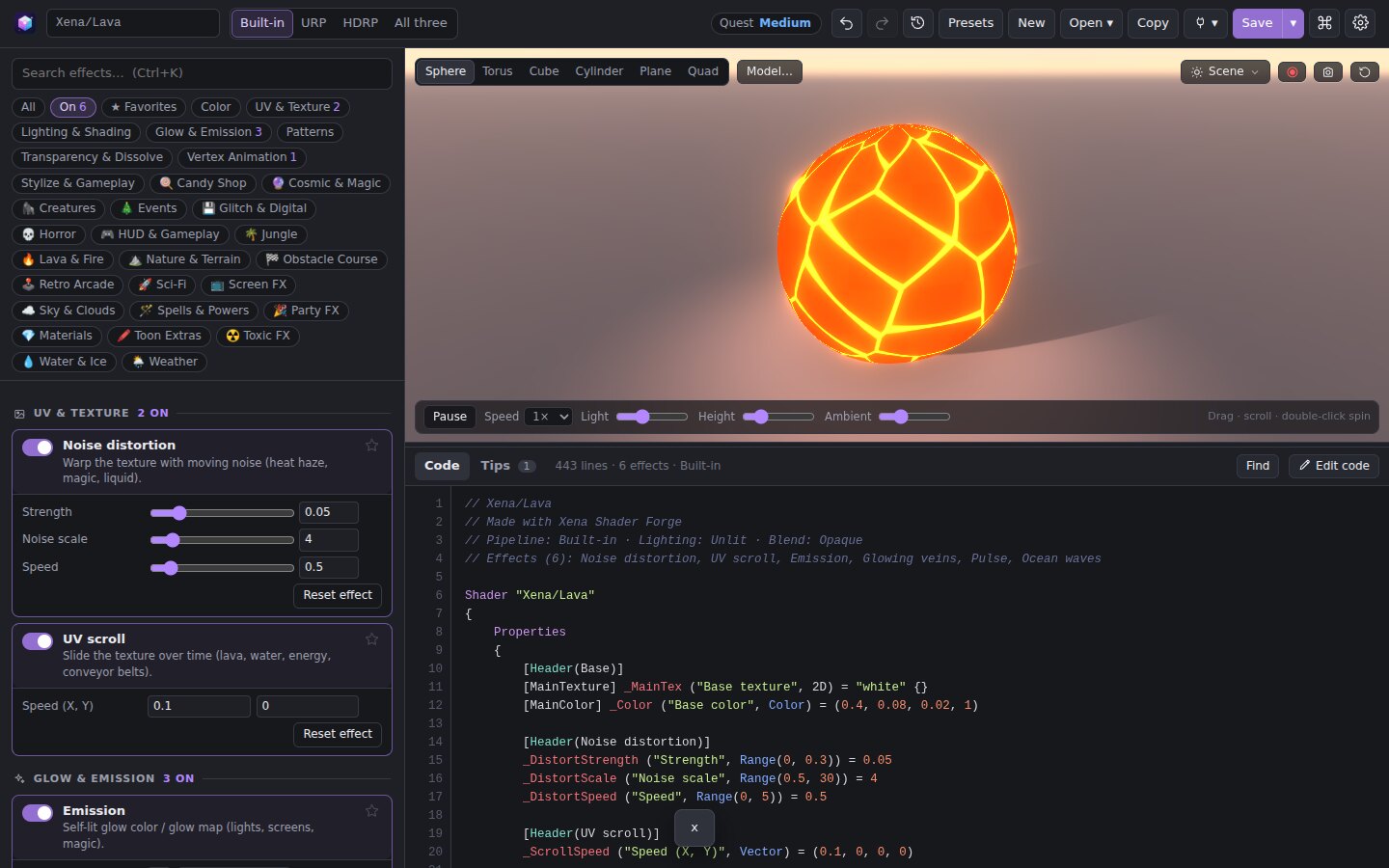
Everything in one window
98 effects. One live preview.
Glows, dissolves, holograms, toon lighting, vertex waves and more, all driven by sliders. Try them on a sphere, torus, cube or your own .obj model.
- Lighting presets: Studio, Noon, Sunset, Moonlight, Rim-lit and Neon
- Sky and your own HDRI for reflections, plus a ground plane with real shadows
- Bloom, so glowing effects look the way they will in-game
- Record a GIF or video with a perfectly looping turntable
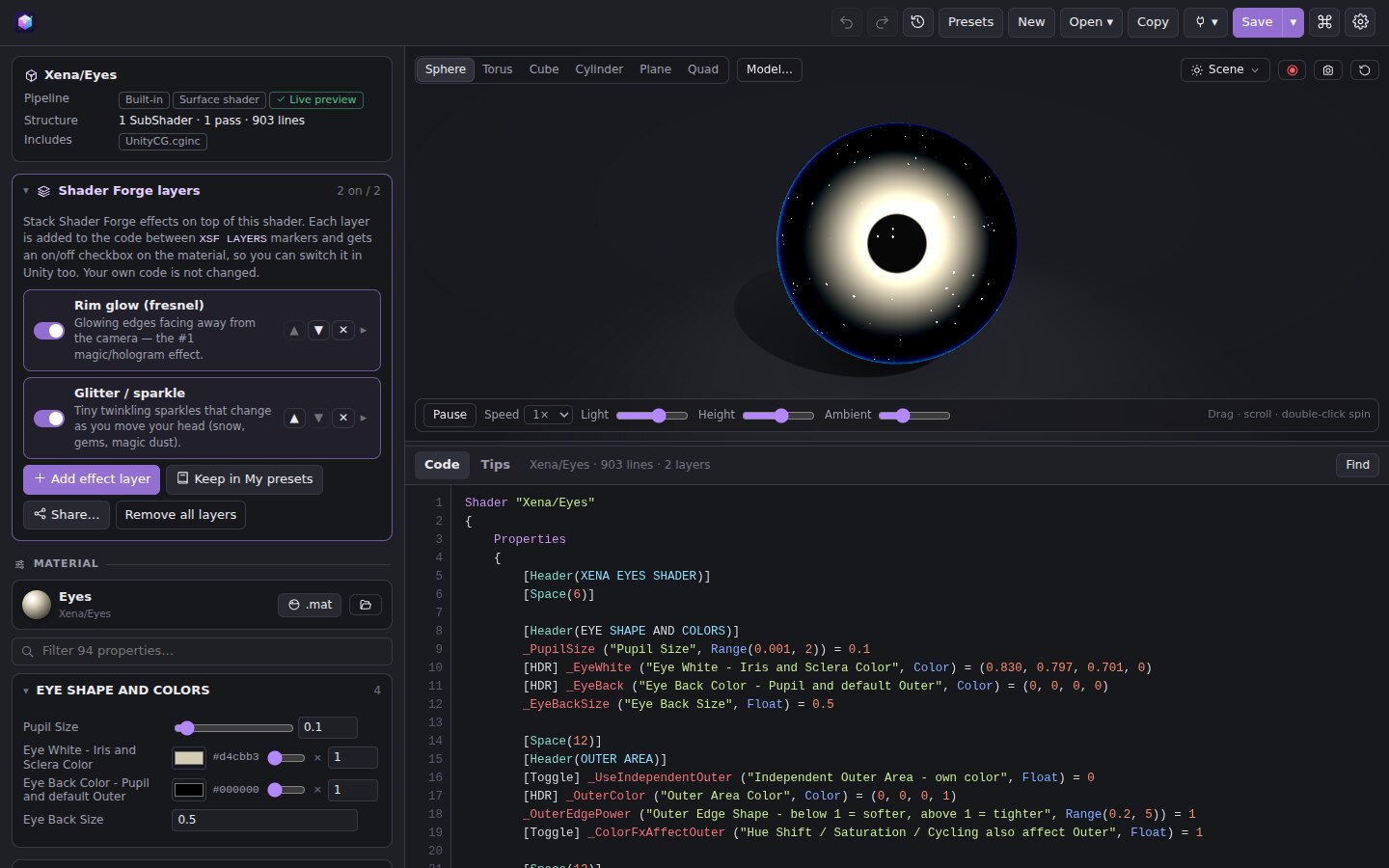
Open any Unity shader
Shaders you didn't make in Shader Forge run their own code in the preview, just like normal. That includes surface shaders, your own #include files and URP shaders.
- Stack effects on top of any shader as switchable layers. Your own code stays untouched.
- Change material values in the panel, and the code updates for you
- If something truly can't run, you get an approximate preview instead of an empty one
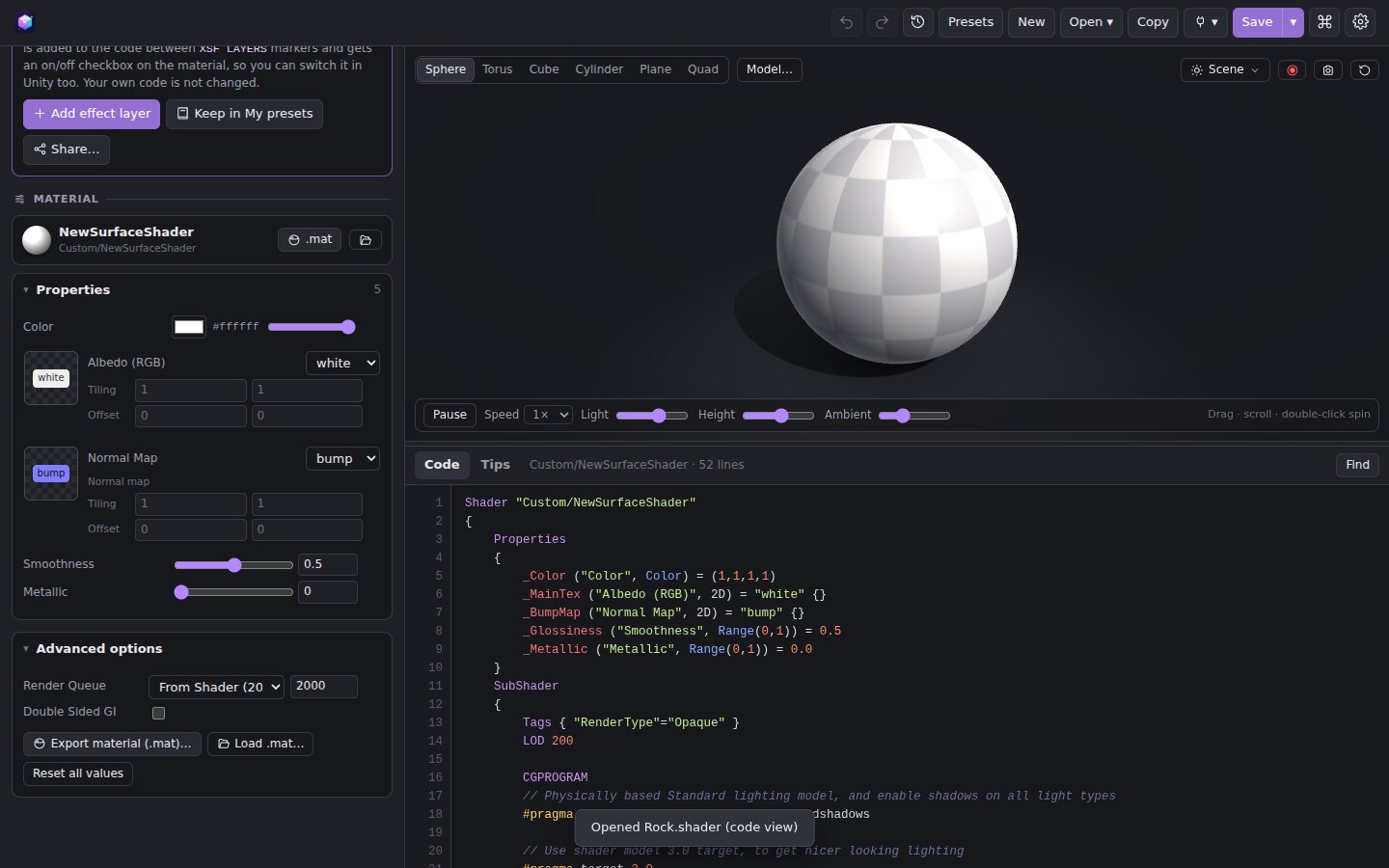
A material inspector that feels like Unity
Headers, toggles, enums, HDR colors and texture slots with Tiling / Offset. Drop a real image on a slot to see it on the model.
- Export a
.matwith your values. It links to the shader and to textures in your project. - Load a
.matto preview a material from your Unity project - Render queue, GPU instancing and keyword switches
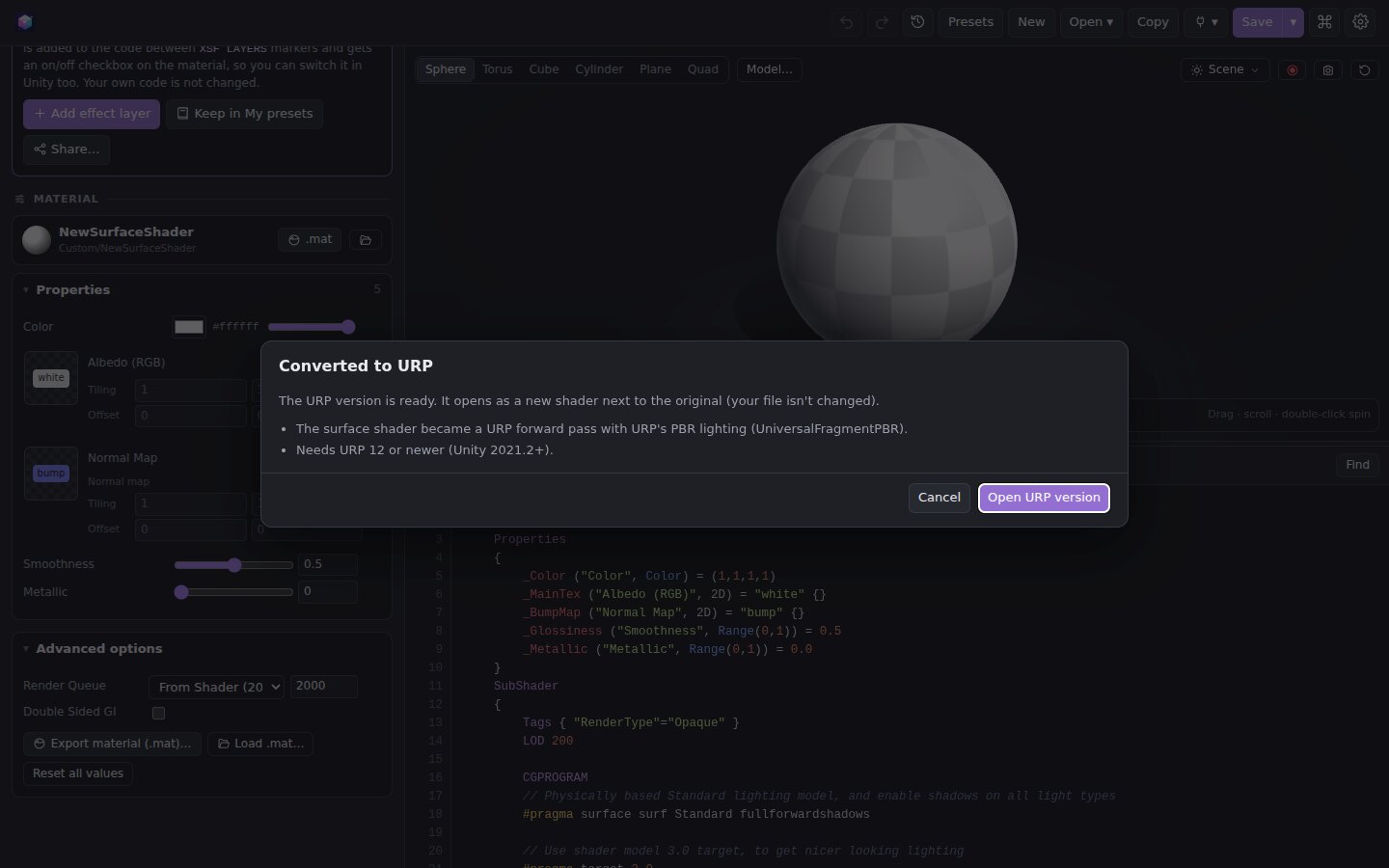
Built-in → URP in one click
The converter rewrites includes, lighting, fog, shadows and textures. It puts your properties in an SRP-Batcher CBUFFER and turns surface shaders into proper URP passes.
- Adds ShadowCaster and DepthOnly passes
- Tells you exactly what it couldn't convert
- Opens the result next to the original, so nothing is overwritten
Snapshots & history
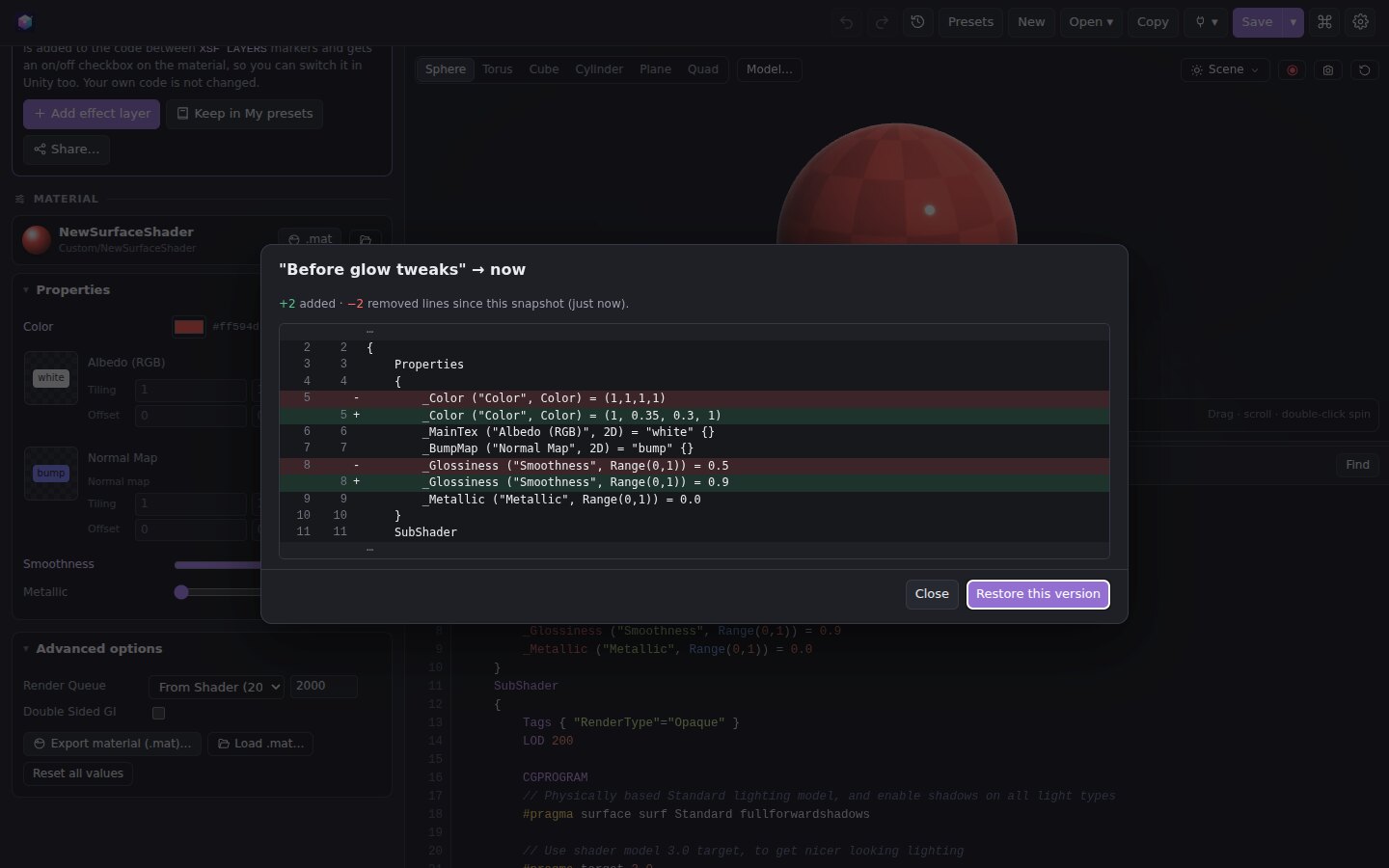
Every time you open or save a shader, and every few minutes while you work, Shader Forge keeps a version with a little preview picture.
- Compare any version with your current code, line by line
- Restore a version, or save it as its own file
- Name the versions that matter, like "before glow tweaks"
Add anything with plugins
A plugin is a single .xsfplugin file. It can add effects, presets, app themes or one-click commands. Install it with a drag-and-drop and switch it on or off in the Plugin manager.
- 32 plugins in the store: lava, sci-fi, water, horror, retro, themes and tools
- Every effect is compile-checked when it loads, and errors show the failing line
- Make your own plugin: it's just JSON and a few lines of shader code